How to Trade Forex on MetaTrader 5: A Complete Beginner's Guide
Master forex trading with MetaTrader 5. This beginner's guide covers platform setup, order types, risk management, and essential technical indicators.

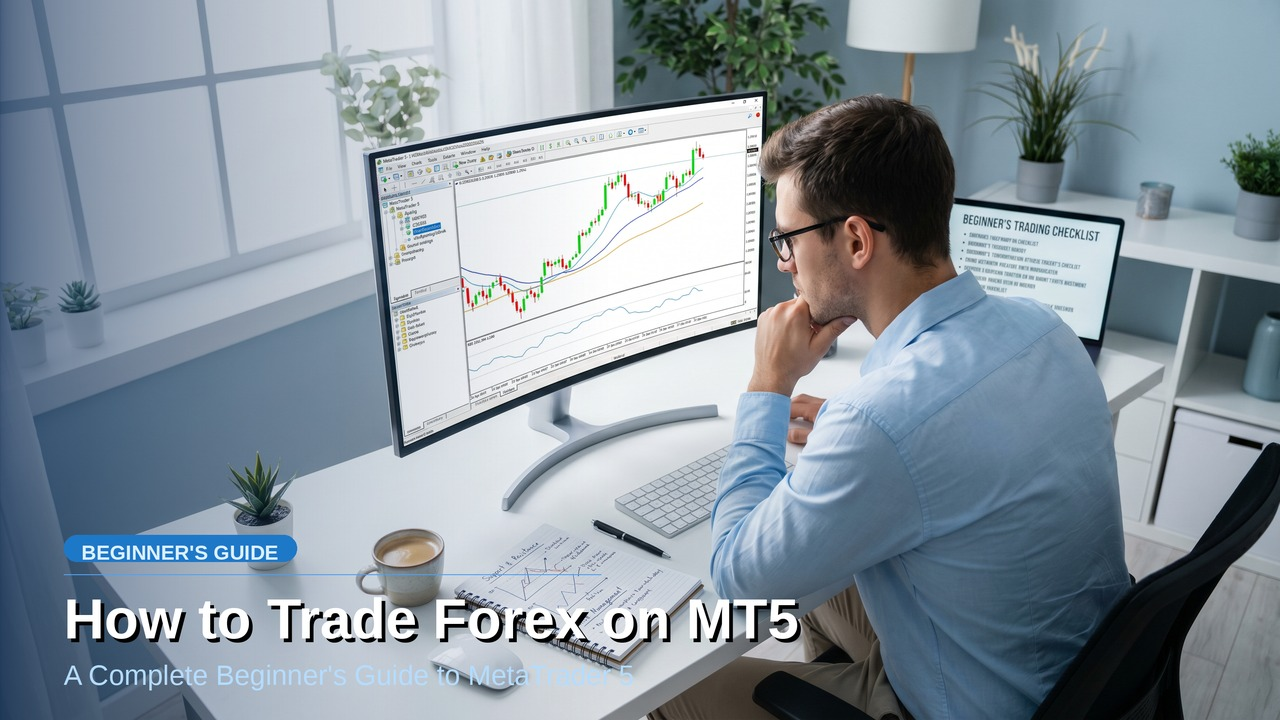
Master forex trading with MetaTrader 5. This beginner's guide covers platform setup, order types, risk management, and essential technical indicators.
#how-to-trade-forex-on-metatrader-5-complete-beginners-guide
MetaTrader 5 powers millions of forex trades daily. Your success depends on mastering its tools — from placing your first order to managing risk across multiple positions. This guide walks you through every step, so you can start trading forex with confidence on the world's most trusted platform.
MT5 dominates forex trading for good reasons. The platform executes trades in milliseconds, supports advanced order types, and provides institutional-grade charting tools. Unlike MT4, MT5 handles multiple asset classes beyond forex — indices, commodities, metals, and cryptocurrencies — all from one interface.
Your trading account determines your costs and features. At Spec Markets, you choose between Raw Zero accounts (spreads from 0.0 pips with $3.50 commission per lot) or Pure Spread accounts (spreads from 1.0 pips, no commission). Both account types offer leverage up to 1000:1 and execute through the same MT5 platform with 0.028-second average execution speed.
Download MT5 directly from your broker's website or the official MetaQuotes site. The installation takes under five minutes. Once installed, you'll need your trading account credentials — server name, login number, and password — provided when you open your account.
Launch MT5 and select "File" → "Login to Trade Account." Enter your credentials and select your broker's server. A successful connection shows your account balance and equity in the terminal window. If connection fails, verify your internet connection and double-check your login details.
MT5's default layout works for basic trading, but customization improves efficiency. Arrange windows to show:
Save your workspace layout through "File" → "Save Template" so you can restore it anytime.
Market Watch displays available trading instruments and their current prices. Right-click to add or remove currency pairs. The bid price (left column) is what you receive when selling; the ask price (right column) is what you pay when buying. The spread is the difference between these prices.
Charts show price movement over time. MT5 offers multiple timeframes from 1-minute to monthly charts. Use the toolbar to switch between candlestick, bar, and line charts. Candlestick charts provide the most information — showing open, high, low, and close prices for each period.
The terminal contains five critical tabs:
Market orders execute immediately at current market prices. Use market orders when you want to enter or exit positions right now. Pending orders execute only when price reaches your specified level. The four pending order types are:
Right-click any currency pair in Market Watch and select "New Order." The order window opens with these key fields:
Click "Buy" or "Sell" to execute the trade immediately.
Never risk more than 1-2% of your account on a single trade. If you have $1,000 and risk 1%, your maximum loss per trade is $10. Use the position size calculator:
Position Size = (Account Risk ÷ Stop Loss Distance) ÷ Pip Value
For EUR/USD with a 20-pip stop loss and $10 risk:
Candlesticks reveal market sentiment through four price points. Green (or white) candles show closing prices above opening prices — bullish sentiment. Red (or black) candles show closing prices below opening prices — bearish sentiment.
Key patterns to recognize:
Support levels are price floors where buying interest emerges. Resistance levels are price ceilings where selling pressure increases. Mark these levels on your charts by connecting at least two price points where reversals occurred.
Price often bounces off these levels multiple times before breaking through. When support breaks, it often becomes resistance. When resistance breaks, it often becomes support.
Trends show the overall price direction:
Trade with the trend, not against it. The phrase "the trend is your friend" exists because trending markets offer the highest probability setups.
Moving averages smooth price data to show trend direction. The 20-period moving average responds quickly to price changes. The 50-period moving average filters out short-term noise. When price trades above the moving average, the trend is up. When price trades below, the trend is down.
To add moving averages:
RSI measures momentum on a scale from 0 to 100. Values above 70 suggest overbought conditions (potential selling opportunity). Values below 30 suggest oversold conditions (potential buying opportunity). RSI works best in ranging markets, not strong trends.
MACD shows the relationship between two moving averages. When the MACD line crosses above the signal line, it generates a buy signal. When it crosses below, it generates a sell signal. MACD also identifies divergences — when price makes new highs but MACD doesn't, suggesting weakening momentum.
Bollinger Bands consist of a moving average with upper and lower bands set two standard deviations away. Price typically stays within the bands 95% of the time. When price touches the upper band, it may reverse lower. When price touches the lower band, it may reverse higher.
Stop losses limit your maximum loss on any trade. Always set stop losses before entering positions. Place stops beyond significant support or resistance levels to avoid premature exits from normal market fluctuations.
Take profit orders automatically close positions when they reach your profit target. Set realistic targets based on support/resistance levels or risk-reward ratios. A 1:2 risk-reward ratio means risking $100 to make $200.
Trailing stops follow profitable trades, locking in gains while allowing for additional profits. Set trailing stops at least 20-30 pips away from current price to avoid premature exits. MT5 updates trailing stops automatically as price moves in your favor.
Close portions of winning trades to secure profits while letting the remainder run. If you're long 1.0 lot of EUR/USD with 50 pips profit, close 0.5 lots and move your stop loss to breakeven on the remaining position.
The Trade tab in your terminal shows all open positions with real-time profit/loss calculations. Monitor:
Avoid opening multiple positions in highly correlated pairs. EUR/USD and GBP/USD often move together. If both positions move against you simultaneously, your losses multiply. Diversify across different currency groups — majors, crosses, and emerging market pairs.
Never risk more than 5-10% of your account across all open positions combined. If you have five trades open, each risking 2%, your total risk is 10%. This prevents account-destroying losses during volatile market conditions.
New traders often place too many trades, hoping to recover losses quickly. This leads to higher costs and emotional decision-making. Focus on high-probability setups that match your trading plan.
Major economic releases move currency prices significantly. The economic calendar shows upcoming events like central bank meetings, employment reports, and inflation data. Avoid trading during high-impact news unless you understand the potential volatility.
The fastest way to lose money is ignoring risk management rules. Never trade without stop losses. Never risk more than you can afford to lose. Never increase position sizes after losses to "get even faster."
Fear and greed destroy trading accounts. Stick to your trading plan regardless of recent wins or losses. Take breaks after significant losses to avoid revenge trading. Keep a trading journal to identify emotional patterns.
Demo accounts let you practice with virtual money in real market conditions. Use demo trading to:
Treat demo trading seriously. Use the same position sizes and risk management rules you'll use with real money. Demo trading builds muscle memory for actual trading situations.
Once you're consistently profitable in demo trading over at least 30 trades, consider moving to live trading. Start with small position sizes — even smaller than your demo sizes — because real money creates different emotional pressures.
Your trading platform matters. Spec Markets offers institutional-grade execution with spreads from 0.0 pips and average execution speed of 0.028 seconds. Choose between Raw Zero accounts (commission-based) or Pure Spread accounts (spread-based) depending on your trading style and frequency.
Both account types provide:
The platform's 99.9% uptime and regulated status provide the reliability and security serious traders demand.
MetaTrader 5 gives you professional-grade tools for forex trading success. Master the basics — chart reading, order placement, risk management — before advancing to complex strategies. Practice extensively on demo accounts, then transition to live trading with proper position sizing and risk controls.
Your trading journey starts with the right platform and proper education. MT5's comprehensive features, combined with institutional execution quality, create the foundation for long-term trading success.
Risk Warning: Trading forex and CFDs involves significant risk and may not be suitable for all investors. You could lose more than your initial investment. Leverage can amplify both profits and losses. Only trade with money you can afford to lose and ensure you fully understand the risks involved.